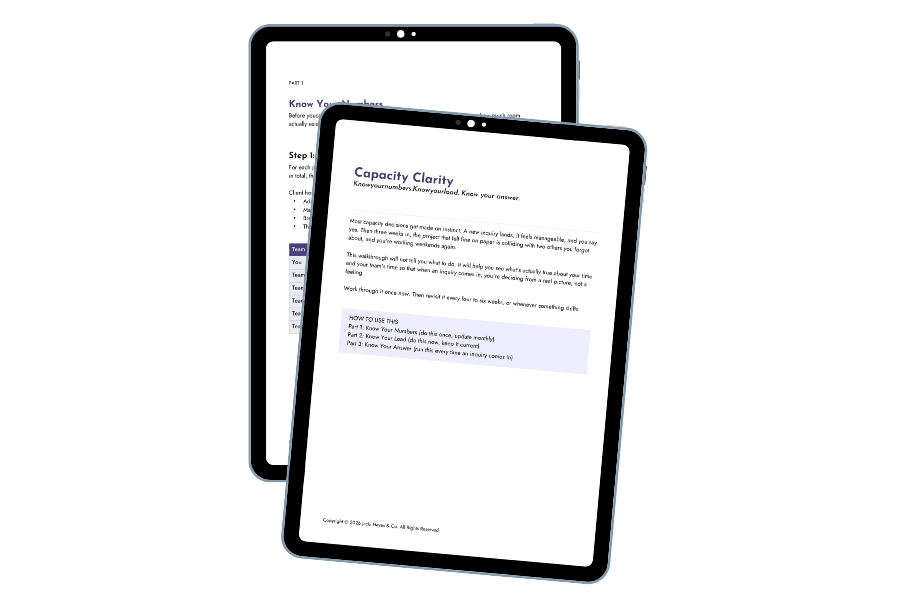
Download for more capacity clarity.
The Capacity Clarity Worksheet is a Google Doc. When you click the link a new window will open and you will be asked to make a copy of the worksheet.
And it’s yours!!!
I'm excited you've opted into hearing from me!

What to expect:
You'll hear from me once or twice a week with:
Tips and strategies for building systems that actually work
Personal reflections on running a business that doesn't burn you out
Info on my services (because I am a business, after all)
I'm told by folks who hate emails that they open, read, and look forward to mine. I hope you will too.

While you wait for that first email:
Make sure my emails don't disappear:
If you're a Gmail user, be sure you've whitelisted me, or my emails may end up in your spam folder.
How to whitelist an email address in Gmail:
Login to Gmail, click on the gear icon and select "Settings"
Select "Filters and blocked addresses"
Scroll past all your existing filters and select "Create a new filter"
Add jacki@jackihayes.co to the "From" field
Check the "Never send to spam" box and click "Create Filter"
The email address will now be whitelisted!